

Designing a Seamless Customer Support Experience for
Amazon & Whole Foods Market
Timeline:
May ‘24 - July ‘24
Role:
Responsible for visual design and user testing
Tools:
Figma, Amazon Research & Resolve
Mentors:
Project Manager, Lead Software Architect, Associate Software Architect

Whole Foods Market’s Catering on Amazon (WFMOA) platform lacked a cohesive and efficient customer service experience creating challenges in placing and modifying customer orders.
As Amazon, a digital-first company, looked to integrate ecosystems with Whole Foods Market, there was a clear need to align customer service tools and platforms with Amazon’s streamlined digital standard.
Challenge
Solution
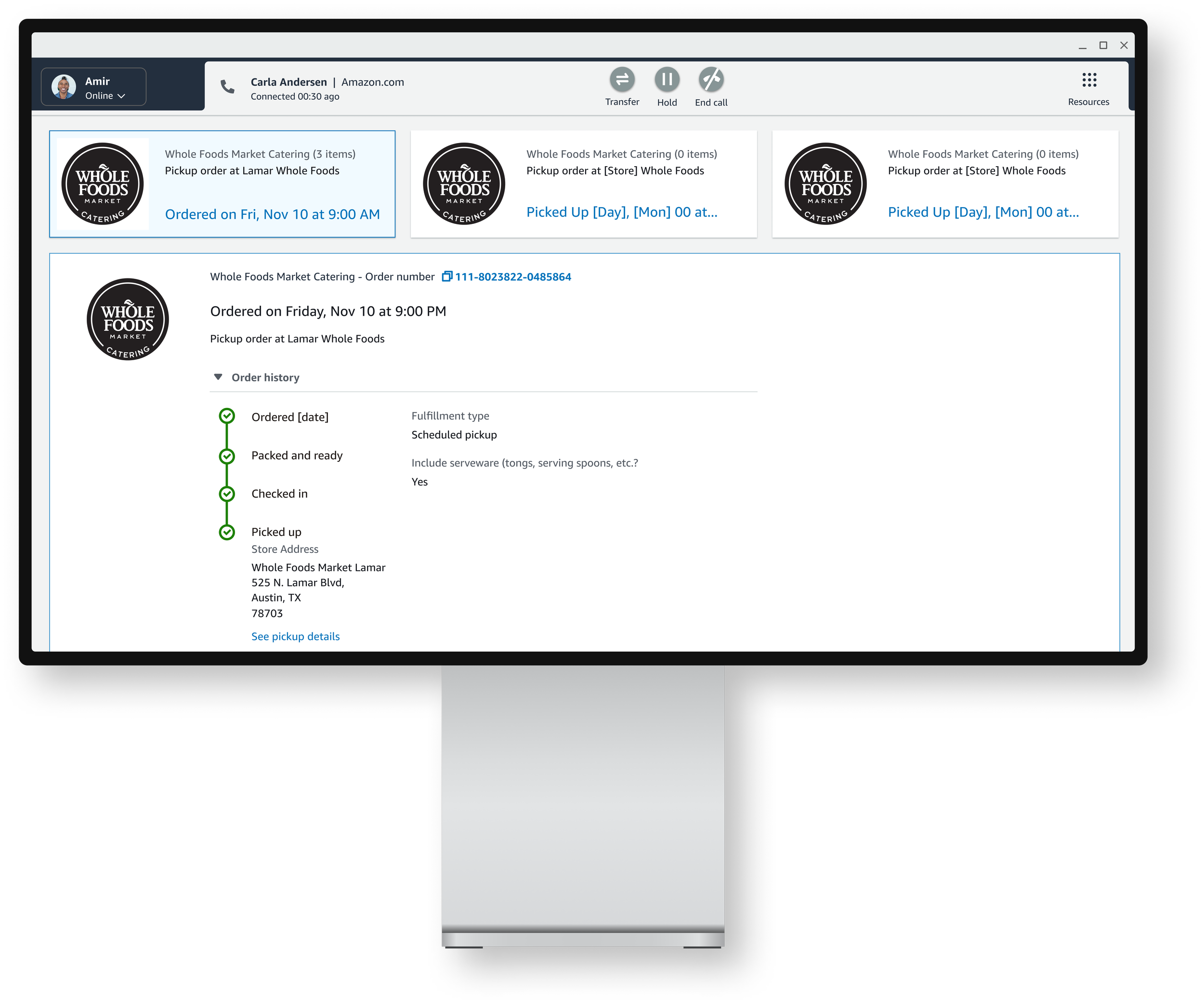
This project aimed to create parity between the Amazon and Whole Foods Market tool ecosystem, by designing a unified, enterprise platform that enables customers to seamlessly interact with Amazon-Whole Foods Customer Care.

My UX
process.


To gain an initial contextual understanding of the current-state processes and platforms used in catering order customer support, an insight-gathering workshop with the WFMOA (Whole-Foods-On-Amazon) team and Whole Foods Catering stakeholders was conducted.
pRIMARY RESEARCHUnderstanding the current state
User insights were were thematically grouped by contextual similarity, while friction points in current state processes were flagged for further consideration,
pRIMARY RESEARCHGathering insights from impacted stakeholders
With our impacted users front and center, user pain points related to the current order submission, modification, and cancellation processes were captured and thematically organized into user personas during this session.
pRIMARY RESEARCHIdentifying impacted stakeholders through user personas
CURRENT STATE CONTEXTIdentifying existing interaction design patterns
To minimize duplication of development effort, we identified a collection of existing Amazon components that offered a proven way to solve common customer issues that could be adaptable for Whole Foods Market workflows.


CURRENT STATE USER flow mappingMapping the current state tool ecosystem
To map the current policy authoring and publishing workflows, I collaborated with developers, project managers, and end users to visualize existing systems and identify inefficiencies.
During our initial workflow mapping efforts, user insights highlighted the criticality of the authoring and viewing workflows within their respective roles.
FUTURE STATE USER flow mappingVisualizing an optimized future state
To visualize the existing workflows and systems used in the policy document authoring and publishing process, efforts to map the current state involved collaboration with our developer team, project managers, and end users.
FUTURE STATE USER flow mappingVisualizing an optimized future state
To visualize the existing workflows and systems used in the policy document authoring and publishing process, efforts to map the current state involved collaboration with our developer team, project managers, and end users.


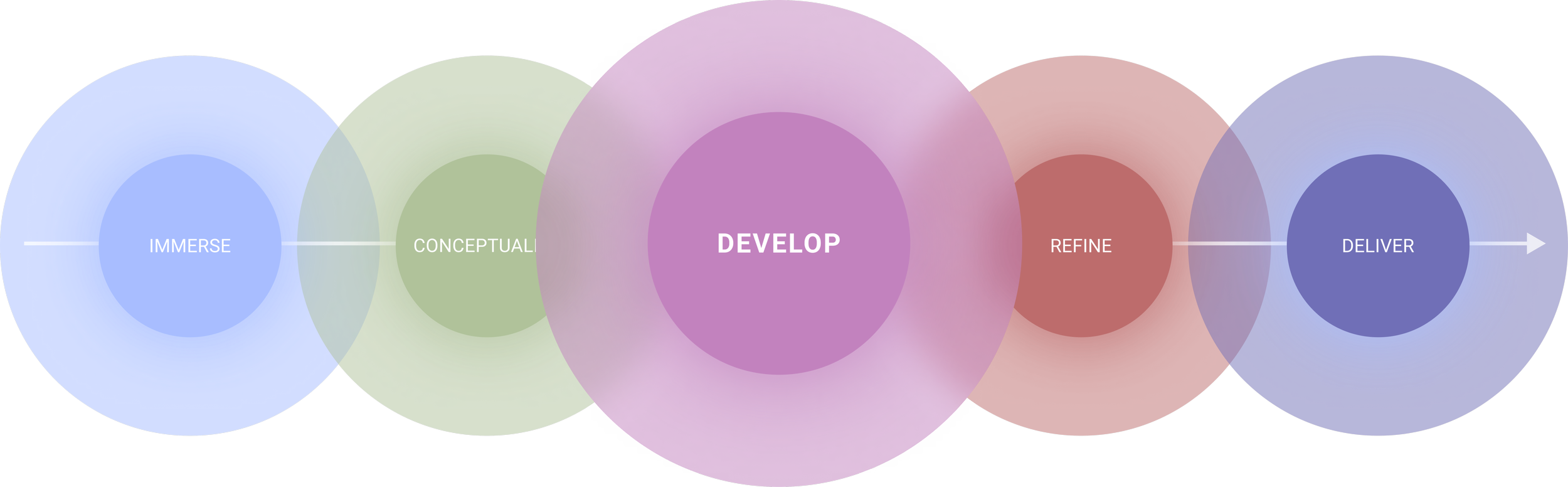
DESIGN explorationExploring solutions through rapid prototyping
In-person whiteboarding workshops were facilitated with the Whole Foods legal team and a sample of Team Members to develop proposed future-state user flows.
Drafting wireframesIterating wireframes with developer feedback
Early sketches and low-fidelity wireframes define the structure of the future Smart GIG platform. Weekly review sessions with end users, project managers, and developers informed iterative design decisions and ensured user-centered outcomes.


User feedback was captured early and often within our prototyping process, guiding the placement of critical UI elements congruent with our users’ workflows.


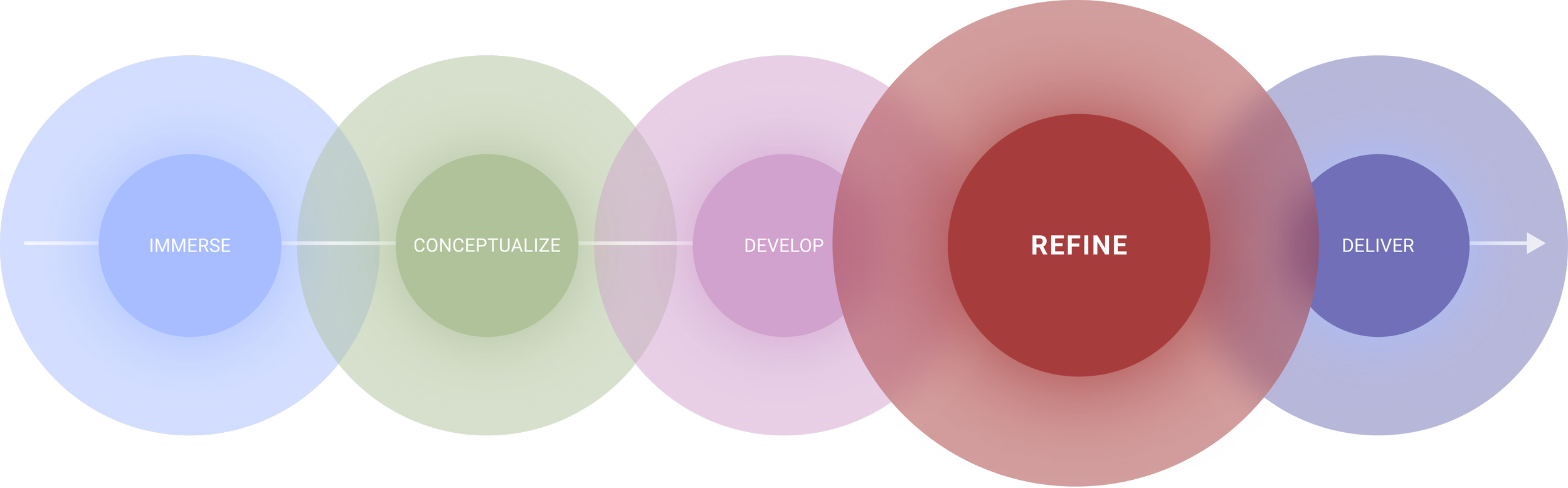
DESIGN REFINEMENTDeveloping high-fidelity prototypes
After validating the draft wireframes, I integrated components from Whole Foods’ enterprise design system into high-fidelity mobile and desktop mockups, ensuring consistency with brand standards and a cohesive user experience.
Design SystemA solution more than the sum of its’ parts
The Whole Foods enterprise design system provided a foundation for creating consistent, on-brand experiences. Design system components were leveraged to streamline the design process and ensure the mobile and desktop mockups felt seamless, intuitive, and on-brand for users.

DESIGN REFINEMENTFeedback-driven iteration
Regular user feedback was fundamental in guiding the placement of UI elements in the viewing experience mockups.
Insights from regular usability sessions helped me prioritize clear content hierarchy and accessible touchpoints.


The final design for the Policy document and Policy Set document editor streamlined policy management by allowing users to create individual policy documents and nest them within larger policy sets. This nesting functionality enabled granular policy targeting at the regional level, document version control, and simplified navigation for policy authors.
final designPolicy & Policy Set Creation
The live preview document editor offers a seamless policy authoring and viewing experience by displaying real-time policy updates alongside the editing interface. This feature enabled policy authors to visualize policy edits in real-time, reducing errors and enhancing productivity.
final designLive Preview Editor
final designPolicy Document Management
The policy document management features streamlined version control by organizing policies within a centralized repository. Policy Authors can now easily manage, update, and track individual policy versions and group them into structured folders. This ensures that team members always access the latest approved version, aiding compliance across Whole Foods Market.
The General Information Guide (GIG) provides a interface for accessing essential policies and information. Designed with document scannability in mind, the GIG features a device-responsive, searchable, role-specific table of contents to ensure team members can quickly find and understand the most relevant, up-to-date content.
final designGeneral Information Guide
